
Tools for your GALI
Technical support, the Gali Link app, the quick guides and the manuals: what you need to set up and run your GALI.
A problem with GALI? Call us. You’ll speak to the people who build it.
On the phone you will find a technician from RM Sistemi Elettronici, the company that designs and makes GALI in Avigliana.
Direct technical support line
+39 011 9343928Monday to Friday, 9:00 to 12:30 and 13:30 to 16:00 (Italian time)
The official GALI by RM™ app
Gali Link
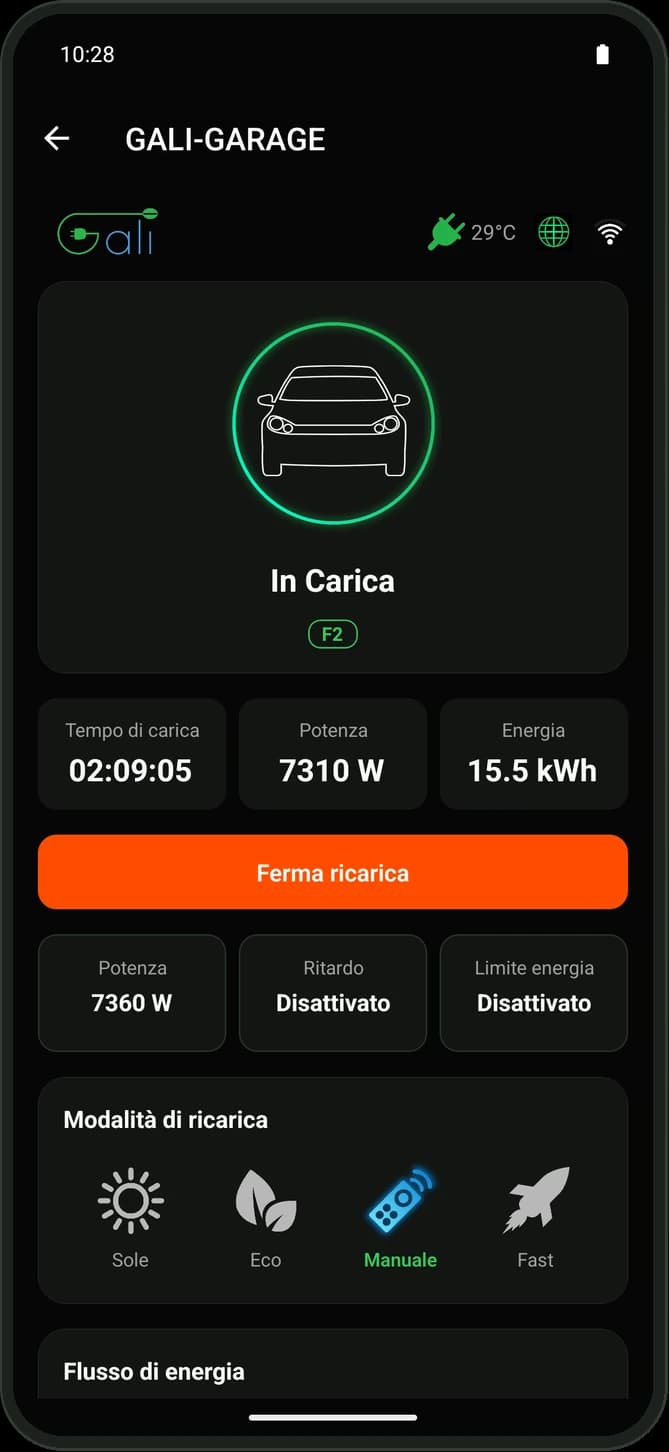
Gali Link shows the status of your car and of the charge in real time, with the time, power and energy of the current session. Start and stop charging, set the maximum power and lock the GALI’s keypad, all from your smartphone.
For GALI M and GALI BC, on Android 7.0 or later. In Italian, English, German, Spanish and French.
Charge with the sun
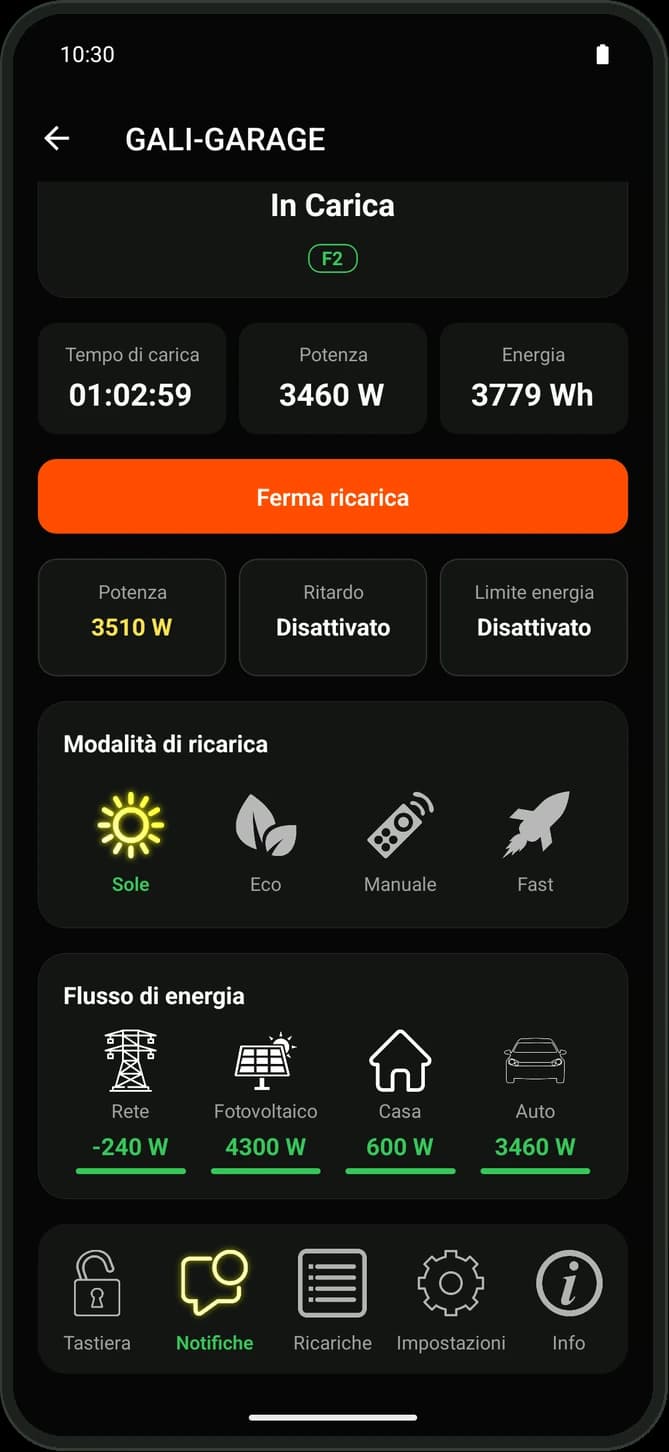
With an energy meter such as the GALI Power Meter, choose between Sun, Eco, Manual and Fast modes and see the energy flow between grid, solar panels, home and car.
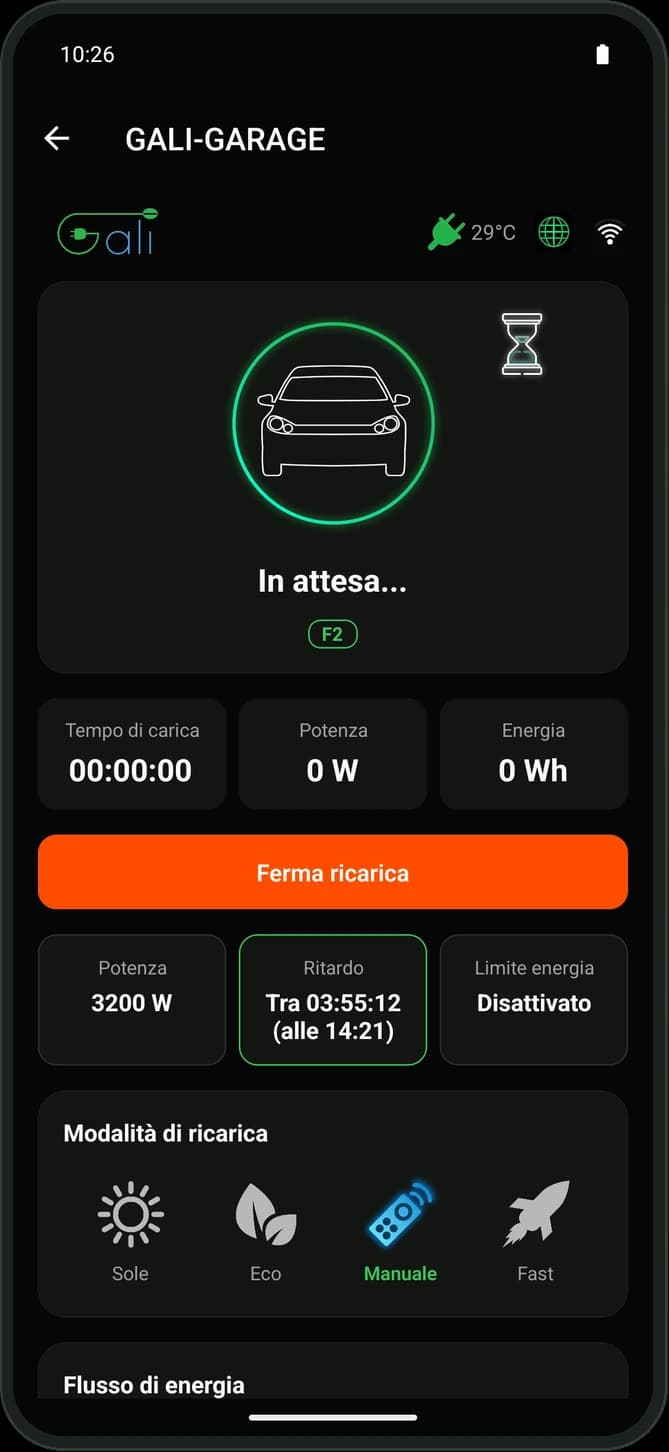
Start when it pays
Delay the start of charging, for example until the cheapest time bands.
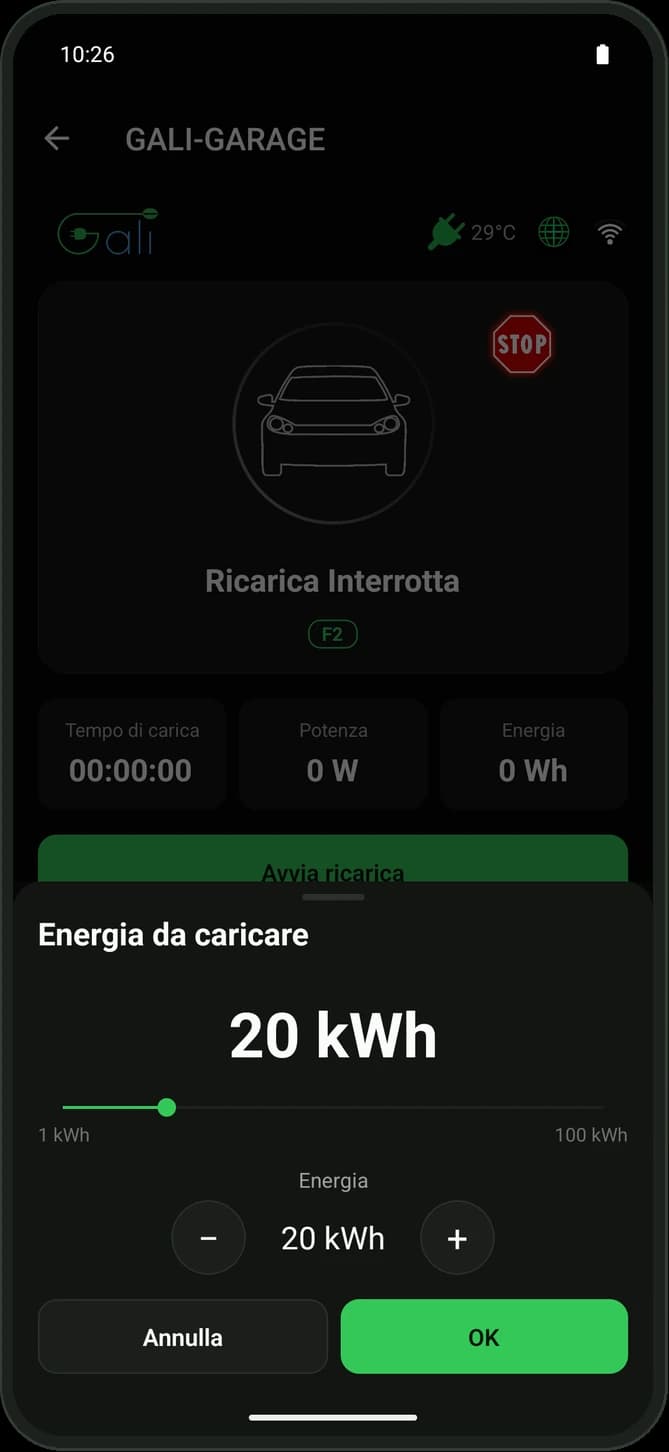
Choose how much energy
Set the kWh to charge: the GALI stops by itself at the limit.
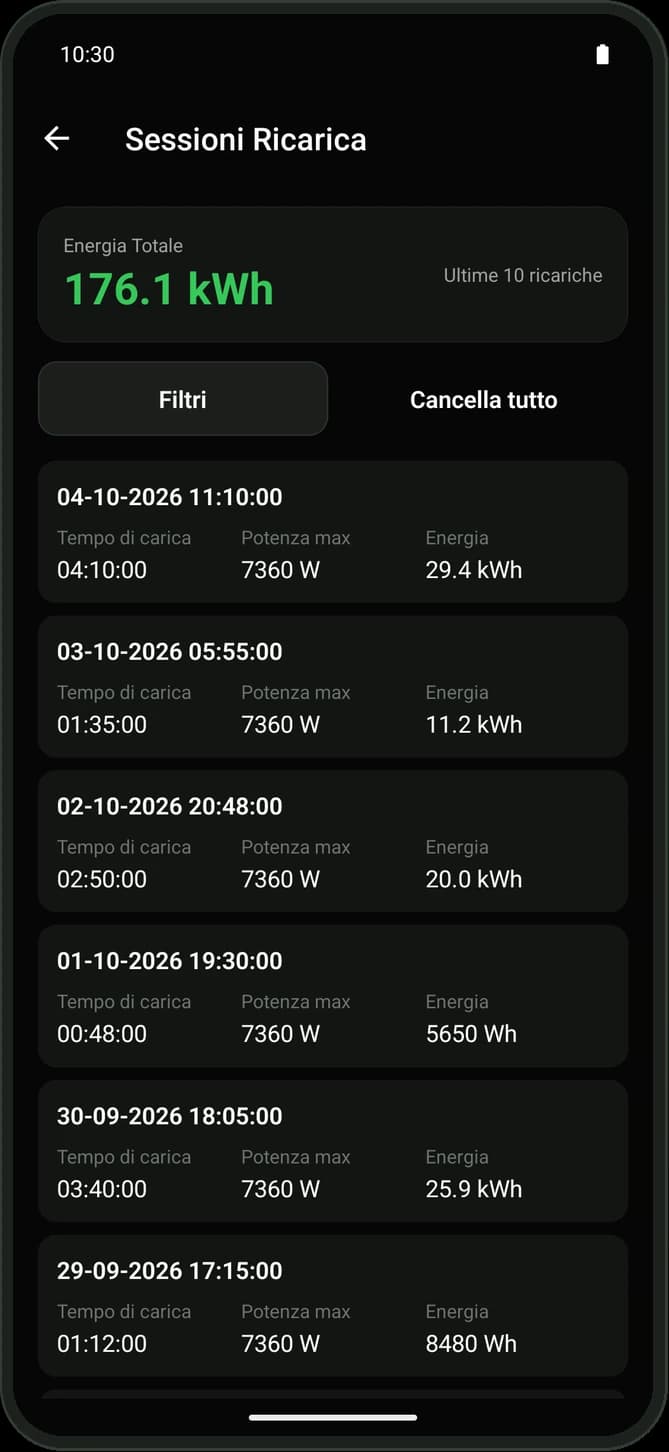
Charging history
Date, duration, peak power and energy of every session, total energy and date filters.
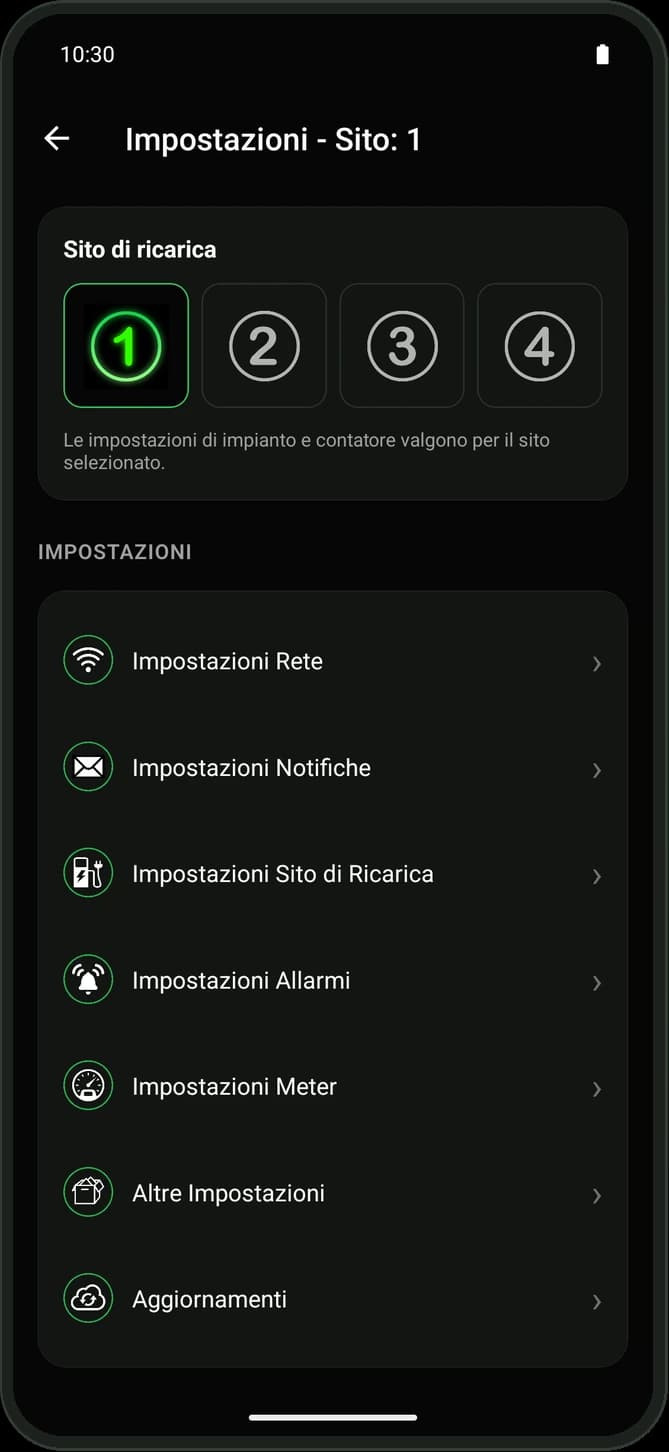
Complete setup
Step-by-step first setup, home Wi-Fi or hotspot mode, notifications, installation and meter.
And also
- Automatic search for the GALI on the network, or an address typed by hand
- Email notifications: charging completed, stopped or resumed, car unplugged, overheating and errors
- GALI firmware updates straight from the app
- Diagnostic report as a PDF to send to support
- Four theme colours to choose from
Some features depend on the GALI model and firmware version.
On your home network, no account
Gali Link works over the local network, not over the internet: your smartphone must be on the same Wi-Fi network as the GALI, or connected to the Wi-Fi network the GALI creates itself. That is why it needs no sign-up and no cloud: the app collects no personal data, has no ads and stores passwords encrypted on the phone.
App privacy policyQuick guides
The leaflets that come in the box with your GALI, to open as PDFs.
Manuals
The full instructions for installing and using your GALI, to open as PDFs.